Obtain Firmware Version
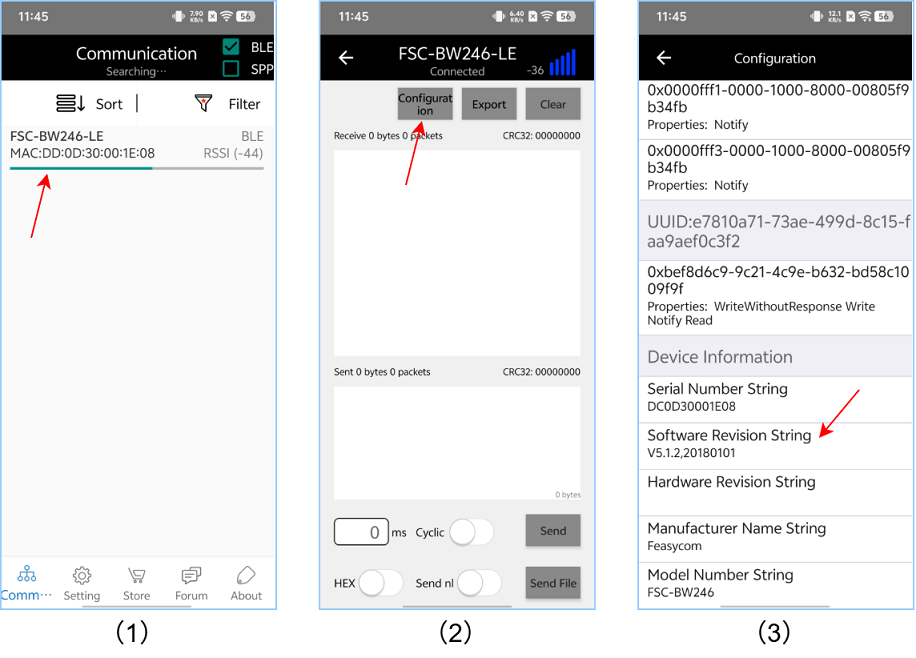
FeasyBlue APP
After establishing BLE connection with the FSC-BW246 Bluetooth module via the FeasyBlue App , view the firmware version information in the Configuration page.
UART AT command
Send the AT+VER command via the UART to view the firmware version information of the module.
Send:     >>AT+VER
Response: <<+VER=FSC-BW246,V5.1.5   //Example, please refer to the actual reading result
Response: <<OK